The AI-Driven Frontend: WebMCP, Tools, and Accessibility in Angular
 Samuel Santana
For years, the role of the frontend was very clear: fetch data from an API (REST or GraphQL), manage local state, and render HTML. We built "dumb" applications that relied exclusively on user clicks to execute any action.
But the deep integration of Artificial Intelligence into our ecosystem changed the rules of the game. AI is no longer just an isolated chat in the corner of the screen. Today, models act as Autonomous Agents that operate the software for the user.
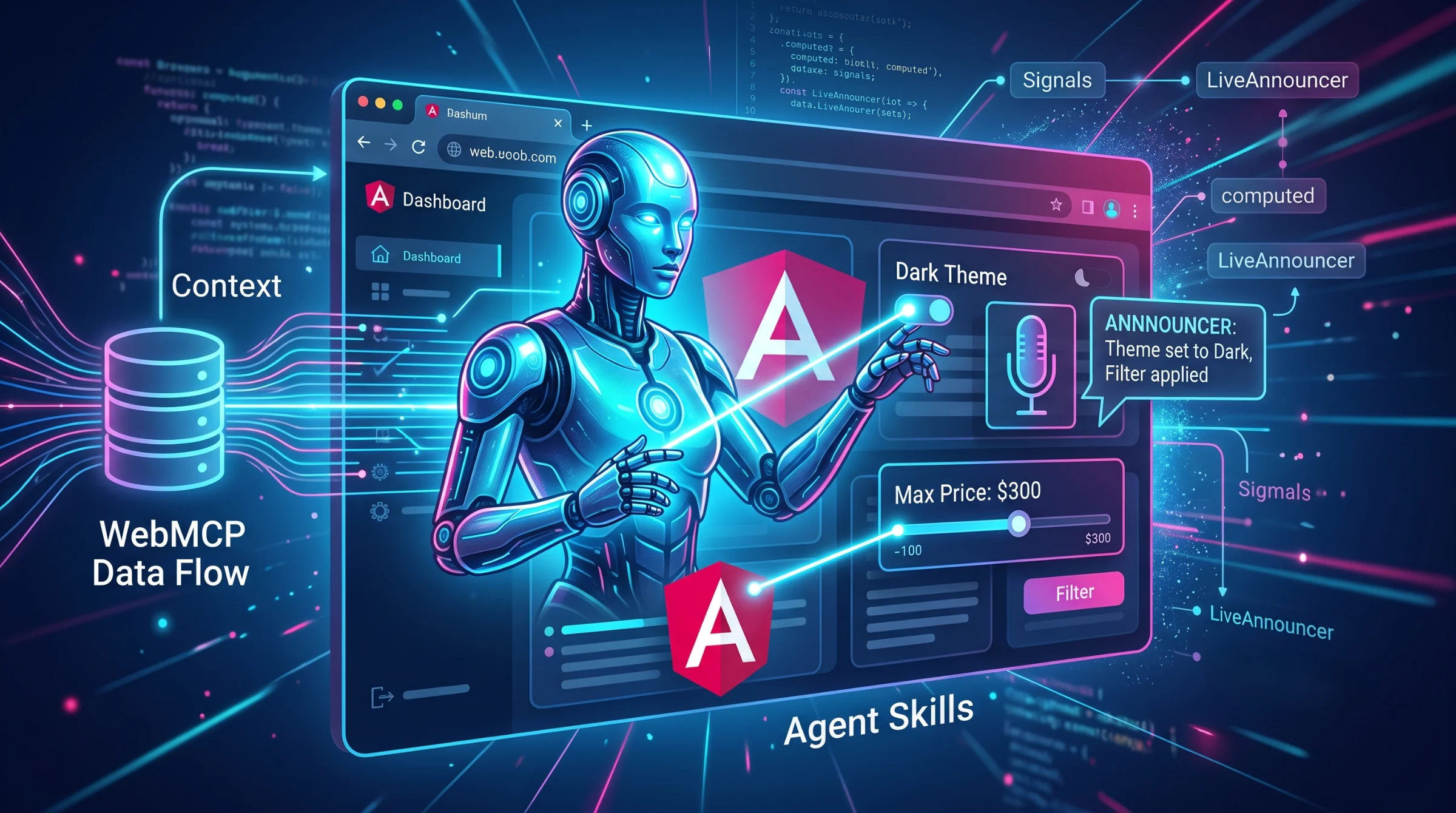
In this new paradigm, the frontend is no longer just a data displayer; it acts as the eyes and hands of the AI. And this is exactly where three concepts collide in modern Angular architecture: WebMCP (Web Model Context Protocol), Agent Skills (here, actions exposed to the agent as tools), and accessibility (the CDK a11y package and Angular Aria).
In this article, we will dissect how to prepare your Angular application to host AI agents natively, with good performance, and without sacrificing accessibility.
1. WebMCP: The Frontend as a Context Provider (In Practice)
To understand WebMCP, we need to look at the nightmare of trying to provide context to an Artificial Intelligence today.
Imagine you have an e-commerce platform. The user opens the AI assistant on the cart screen and types: "Do I have enough balance in my wallet to pay for these items?"
The problem: The AI is blind. It runs on a remote server (OpenAI, Anthropic, etc.) and has no idea what items are on the user's screen, let alone what their balance is.
The Traditional "Hack" (Context Stuffing)
Historically, the market's solution for this was forcing the frontend to send the entire context with every message. Whenever the user pressed Enter, we did something like this before calling the AI API:
const hiddenPrompt = `
  The user is on the cart screen.
  Items in the cart: ${JSON.stringify(this.cartSignal())}
  User balance: ${this.userBalanceSignal()}

  User's question: "Do I have enough balance?"
`;
This is terrible. If the cart has 50 items, you waste thousands of tokens (and money) with every message, sending data that the AI might not even need to answer that specific question.
The Solution: Web Model Context Protocol (WebMCP)
Originally created by Anthropic and adopted as an open industry standard, the MCP works like a REST API, but built specifically for AI Agents to consume. WebMCP brings the idea to the browser: it is a proposed web API (not MCP itself) incubated in the W3C Web Machine Learning Community Group, edited by engineers from Google and Microsoft, and still experimental — in Chrome it only works behind the chrome://flags/#enable-webmcp-testing flag or through an origin trial.
Instead of blindly pushing data to the AI on every request, the frontend exposes tools and the AI pulls the information only when it needs it.
In Angular 22, we register these tools with an experimental framework API that hands them to the browser's WebMCP. Here is how the inversion of control happens in practice:
import { Injectable, declareExperimentalWebMcpTool, signal } from '@angular/core';

@Injectable({ providedIn: 'root' })
export class AppContextOrchestrator {
  // Our standard reactive state
  cartItems = signal([{ id: 1, name: 'Mechanical Keyboard', price: 450 }]);
  userBalance = signal(500);

  constructor() {
    this.registerWebMcpTools();
  }

  private registerWebMcpTools() {
    // WebMCP only exposes tools; reading state becomes a tool with no arguments.
    // Experimental Angular 22 API: without WebMCP in the browser, registration is skipped.

    // 1. Exposes the Cart as a read-only tool
    declareExperimentalWebMcpTool({
      name: 'get_cart',
      description: "Returns the items in the user's shopping cart, as JSON.",
      inputSchema: { type: 'object', properties: {} },
      execute: () => JSON.stringify(this.cartItems()), // Reads the Signal at call time
    });

    // 2. Exposes the Balance as a read-only tool
    declareExperimentalWebMcpTool({
      name: 'get_balance',
      description: "Returns the current balance of the user's virtual wallet.",
      inputSchema: { type: 'object', properties: {} },
      execute: () => this.userBalance().toString(),
    });
  }
}
The New AI-Driven Flow
With WebMCP running in Angular, the conversation from the previous example works like this:
- User: "Do I have enough balance to pay for these items?"
- AI Agent (Thinks): "To answer this, I need to know what's in the cart and what the balance is."
- AI Agent (Action): The browser's agent calls the
get_cartandget_balancetools the page registered; they run in the page's own JavaScript. - Angular (WebMCP): Reads the current value of the Signals and returns only those specific data points to the AI.
- AI Agent (Responds): "The keyboard costs $450 and you have a $500 balance. Yes, you have enough balance!"
This architecture reduces token waste, keeps the context always real-time according to the application's Signals, and transforms your frontend into a smart Context Server.
2. Agent Skills: Turning Angular Signals into Actions
If WebMCP is how the AI "sees" the application, Agent Skills are how it "touches" it. A note on naming: I call each action the agent can trigger a "skill", but the technical term is tool (function calling). Agent Skills, as a standard, is something else: the open format created by Anthropic in which each skill is a folder with a SKILL.md file (metadata + instructions) that coding agents load on demand — Angular publishes its own in angular/skills.
Instead of having the AI respond with text, we instruct it to respond with function calls. In modern Angular, we map these "Skills" directly to Signal updates or route changes.
Imagine an e-commerce app. The user says into the microphone (or types): "Change to dark theme and show me only running shoes under $300".
Here is how to orchestrate this in Angular using a service focused on registering Skills:
import { Injectable, inject, signal } from '@angular/core';
import { Router } from '@angular/router';

// Interface that defines the Skill contract for the AI Agent
interface AgentSkill {
  name: string;
  description: string;
  inputSchema: object;
  execute: (args: any) => Promise<void> | void;
}

@Injectable({ providedIn: 'root' })
export class AiAgentOrchestrator {
  private router = inject(Router);

  // Application State (What the AI will see/change via MCP)
  theme = signal<'light' | 'dark'>('light');
  priceFilter = signal<number | null>(null);

  // Registry of skills the Agent can invoke
  private registeredSkills = new Map<string, AgentSkill>();

  constructor() {
    this.registerCoreSkills();
  }

  private registerCoreSkills() {
    this.registeredSkills.set('changeTheme', {
      name: 'changeTheme',
      description: 'Changes the visual theme of the app. Accepted arguments: "light" or "dark".',
      inputSchema: {
        type: 'object',
        properties: { theme: { type: 'string', enum: ['light', 'dark'] } },
        required: ['theme'],
      },
      execute: ({ theme }) => this.theme.set(theme)
    });

    this.registeredSkills.set('filterProducts', {
      name: 'filterProducts',
      description: 'Applies a maximum price filter to the product list.',
      inputSchema: {
        type: 'object',
        properties: { maxPrice: { type: 'number' } },
        required: ['maxPrice'],
      },
      execute: ({ maxPrice }) => this.priceFilter.set(maxPrice)
    });

    this.registeredSkills.set('navigate', {
      name: 'navigate',
      description: 'Navigates the user to a specific route, such as "/cart" or "/profile".',
      inputSchema: {
        type: 'object',
        properties: { path: { type: 'string' } },
        required: ['path'],
      },
      execute: async ({ path }) => { await this.router.navigate([path]); }
    });
  }

  // Method called by the WebMCP/LLM client when it decides to use a tool
  executeSkill(skillName: string, args: any) {
    const skill = this.registeredSkills.get(skillName);
    if (skill) {
      skill.execute(args);
    } else {
      console.warn(`The AI attempted to execute a nonexistent skill: ${skillName}`);
    }
  }
}
In this architecture, the AI becomes a "ghost user". The AiAgentOrchestrator translates the artificial intelligence's intentions into real state changes (Signals), updating the View granularly (Fine-Grained Reactivity) without relying on Zone.js.
3. The Invisible Challenge: Angular Aria and Accessibility
Here we come to the most serious mistake teams make when integrating AI into the frontend: destroying accessibility.
When a user clicks the "Filter" button, they know the screen will change because they initiated the action. But when the AI autonomously filters products, the DOM (Document Object Model) changes suddenly. For a user relying on Screen Readers, the interface simply "broke" or "vanished" silently.
Because the AI operates the UI dynamically, we must notify the user about what the Agent just did. @angular/cdk/a11y solves this elegantly with the LiveAnnouncer. Not to be confused with Angular Aria (@angular/aria): it provides headless directives that implement WAI-ARIA patterns — Listbox, Combobox, Menu, Tabs, Tree, Grid, among others — handling keyboard, focus and ARIA attributes, but it ships no announcer; announcing stays with the CDK.
Let's refactor our orchestrator to be accessible:
import { Injectable, inject, signal } from '@angular/core';
import { LiveAnnouncer } from '@angular/cdk/a11y';

@Injectable({ providedIn: 'root' })
export class AiAgentOrchestrator {
  private announcer = inject(LiveAnnouncer); // Injecting CDK A11y

  priceFilter = signal<number | null>(null);

  // ... (registry code omitted for brevity)

  private registerCoreSkills() {
    this.registeredSkills.set('filterProducts', {
      name: 'filterProducts',
      description: 'Applies a maximum price filter.',
      inputSchema: {
        type: 'object',
        properties: { maxPrice: { type: 'number' } },
        required: ['maxPrice'],
      },
      execute: ({ maxPrice }) => {
        // 1. Updates visual state
        this.priceFilter.set(maxPrice);

        // 2. Announces the change to the screen reader (Accessibility)
        this.announcer.announce(`The Artificial Intelligence applied a filter for products up to ${maxPrice} dollars.`, 'polite');
      }
    });
  }
}
The 'polite' value (the politeness argument of announce) is crucial. It tells the OS screen reader (like VoiceOver or NVDA) to wait for the user to stop interacting before speaking, avoiding abrupt interruptions to their navigation.
If the AI performed an emergency action (e.g., logging the user out for security reasons), we would use 'assertive' to interrupt everything and warn the user immediately.
Conclusion
The transition from static interfaces to "Agent Hosts" still relies on experimental APIs, but it's the architecture worth starting to design today.
By combining WebMCP to provide application context to the AI, Agent Skills tied to the Signals reactive system, and the CDK's LiveAnnouncer to keep DOM mutations accessible, we create systems that are not just smart, but robust, performant, and inclusive.
The frontend is no longer a passive API consumer. It is now the workspace for your Artificial Intelligence Agent. And Angular gives us solid tooling to orchestrate this complexity without giving up control.
Comments
Loading comments...